Dynamic Workflows: Claude Code Is Moving the Agent Plan from Chat into Executable Scripts
Claude Code shipped Dynamic Workflows a few days ago. Most people's first reaction: "finally, hundreds of subagents at once."That's half rig...
文章概要
Dynamic Workflows 将 Claude Code 的执行计划从聊天上下文中抽离,变成可执行的编排脚本。脚本负责调度,子代理负责执行,主对话只接收结构化摘要。
核心要点
- 计划的归属变了:从 chat context → Skill/Method → Workflow Script(可运行时对象)
- 并发上限:最多 16 个并发代理,每次 workflow 最多 1,000 个代理
- 五问触发门槛:是否需要 workflow?需满足 ≥3 项(多个子任务 / 审查链 / 中间状态 / 可接受高 token 消耗 / 可预设停止条件)
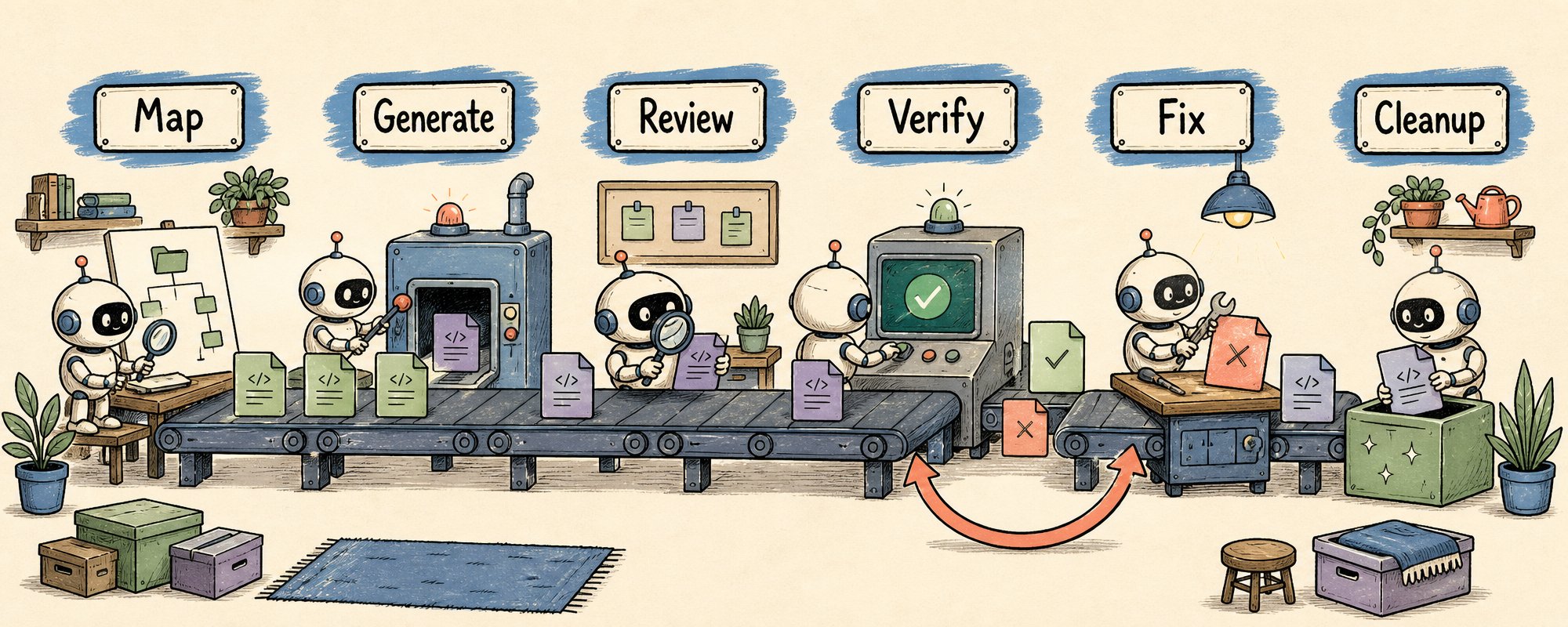
- 六阶段流水线:Map → Generate → Review → Verify → Fix Loop → Cleanup
- 审批必须在 workflow 外部:workflow 运行中不接受常规用户输入,需人工判断处应拆分为两个 workflow
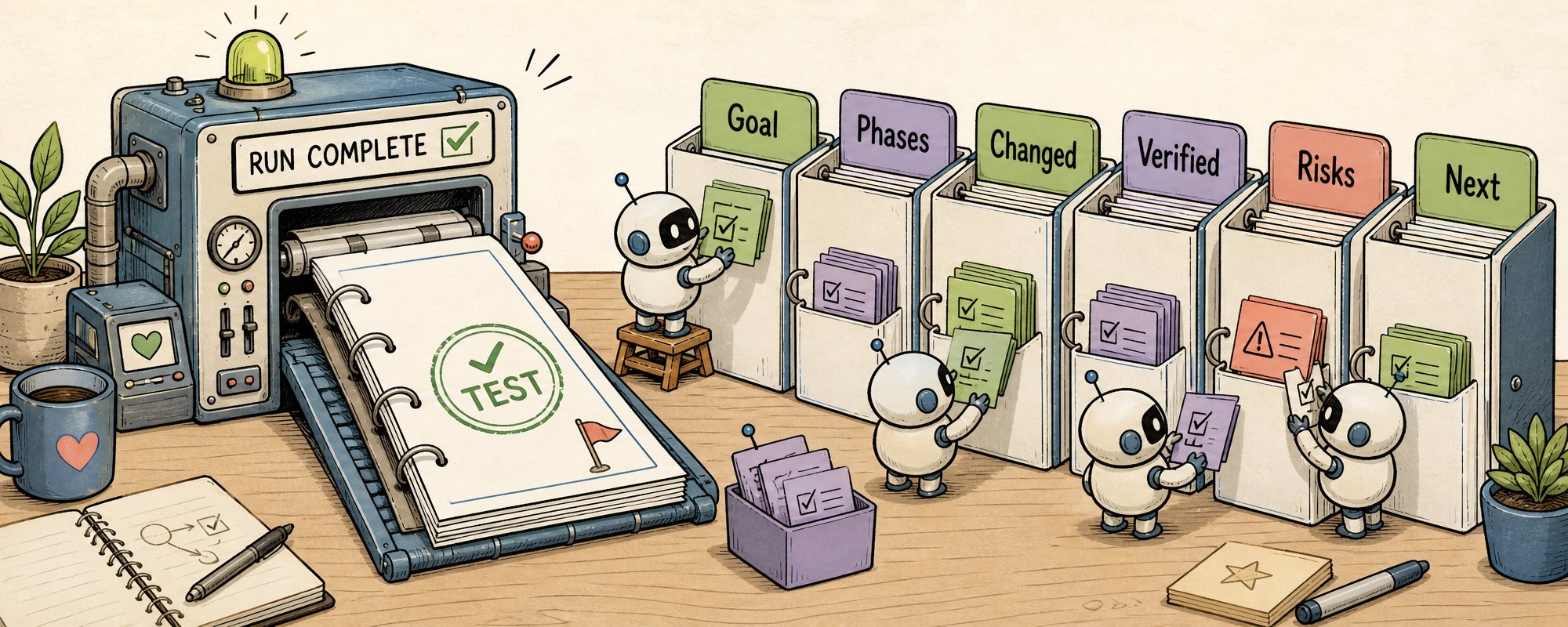
- 最终交付物是审计报告:目标、阶段、变更文件、验证结果、失败项、风险、下一步
- Bun 案例:75 万行 Zig → Rust 迁移,11 天,99.8% 测试通过率(研究预览阶段,尚未投产)
可复用模板
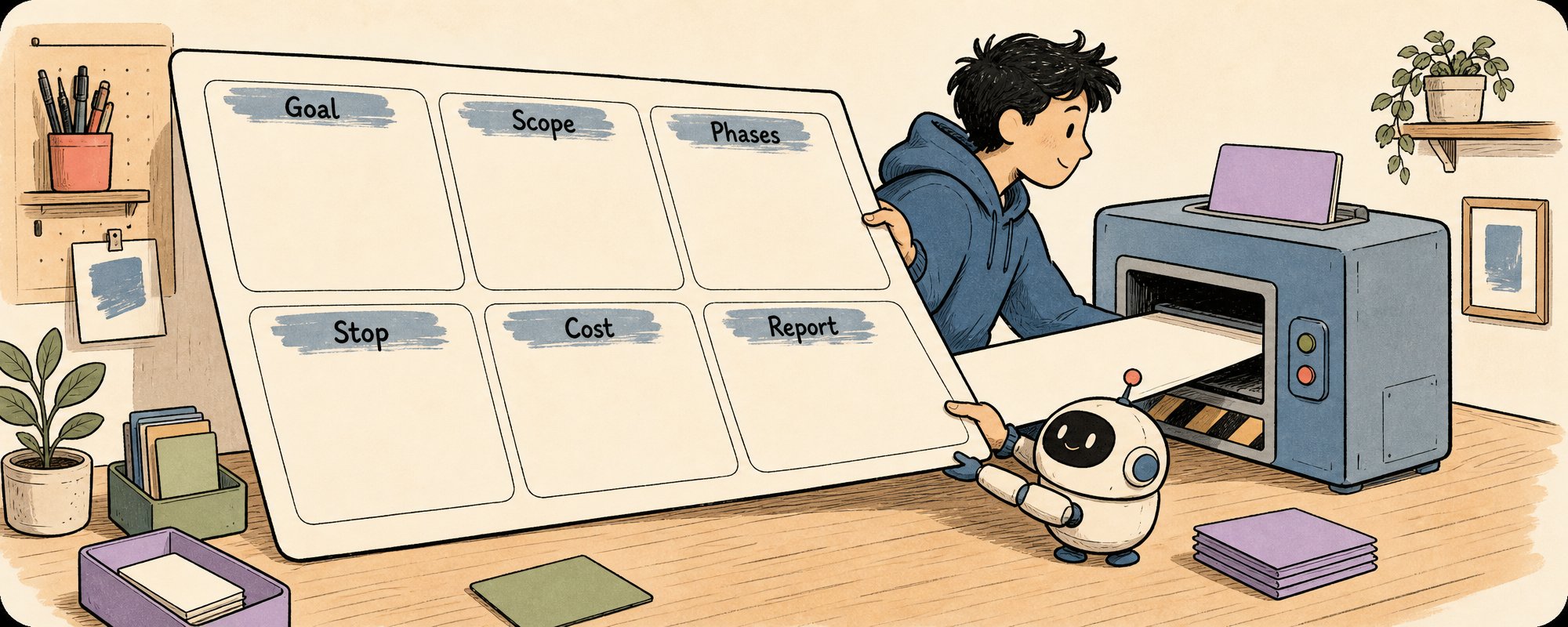
文章末尾提供了一份 Workflow Brief 模板,可直接复制使用,涵盖目标、范围、阶段划分、停止条件、成本控制和最终报告格式。
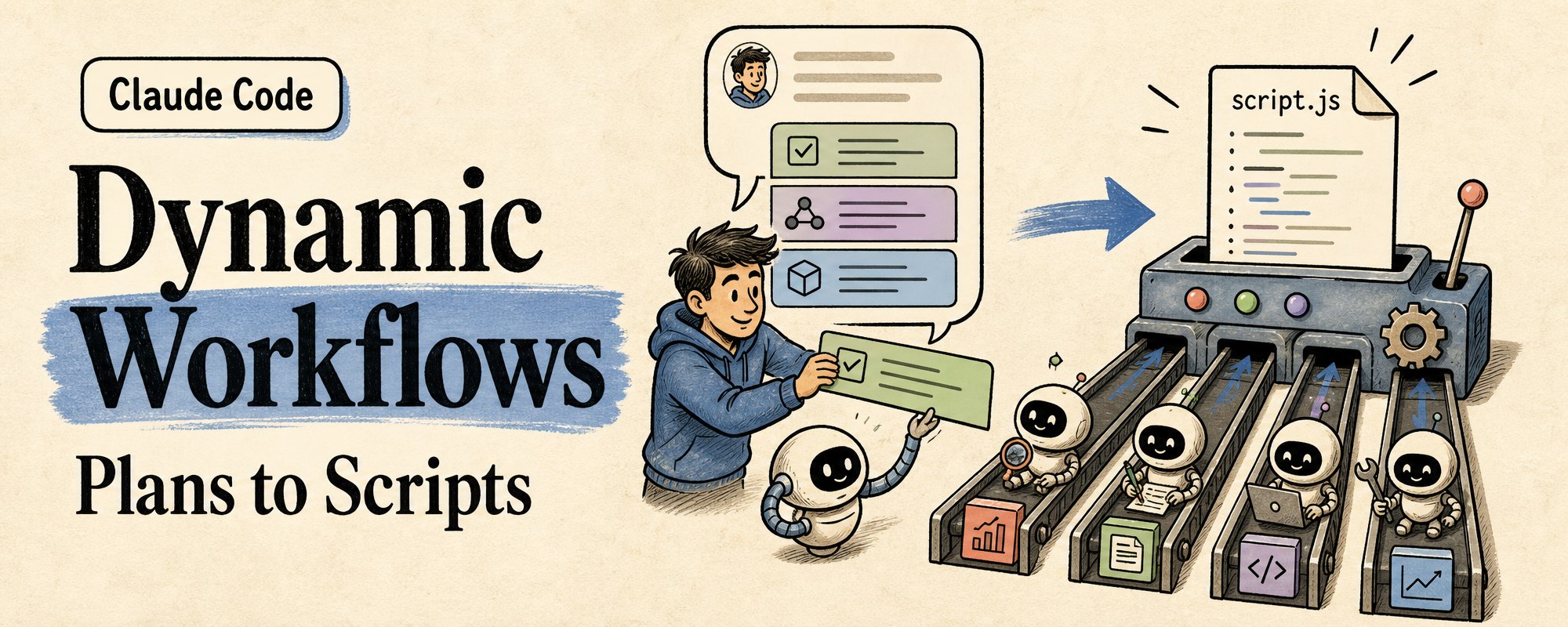
Claude Code shipped Dynamic Workflows a few days ago. Most people's first reaction: "finally, hundreds of subagents at once."
That's half right.
To be clear, "hundreds" doesn't mean hundreds running at the same time. The official docs cap concurrent agents at 16, with a maximum of 1,000 agents per workflow run. The real new thing is that the plan gets written as an executable script.
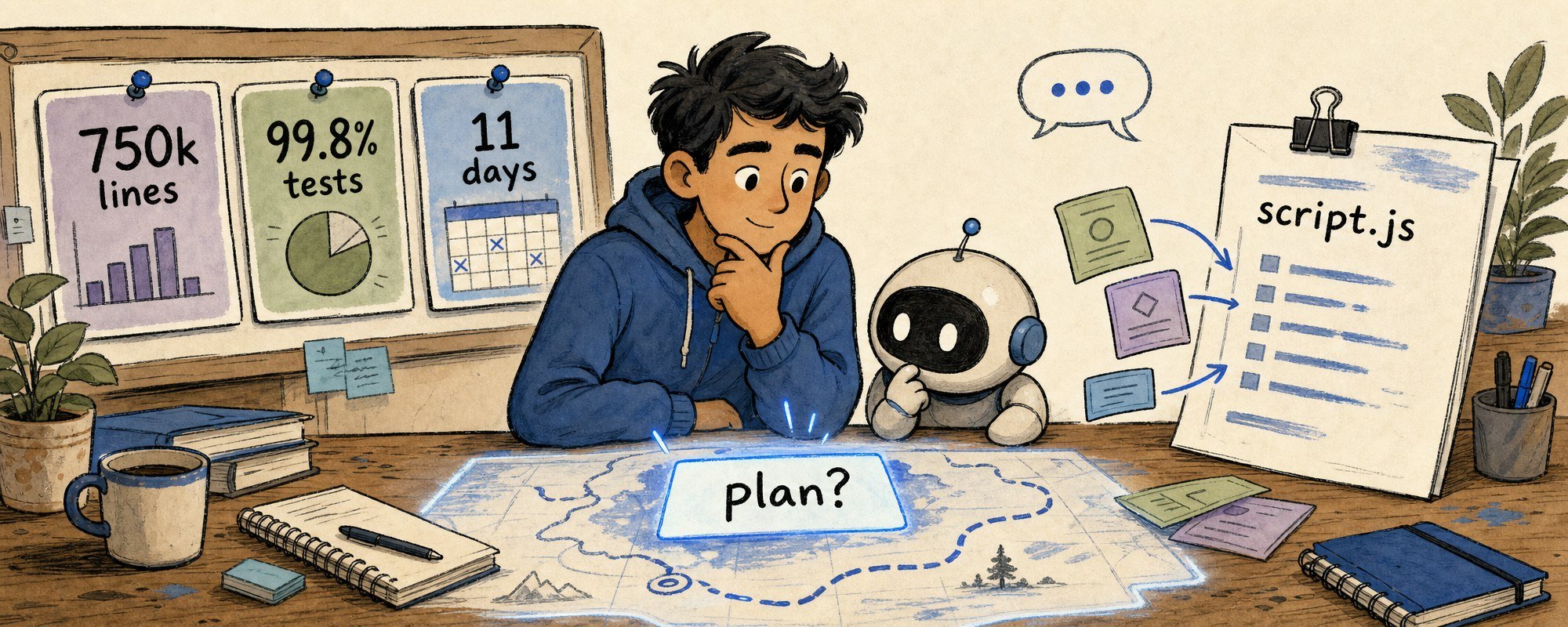
Subagents solve who does the work. Dynamic Workflows change something more fundamental: where the plan lives.
Before this, the plan lived in chat context. Claude would think one step, act one step, read results as they came. Subagents could handle side tasks, skills could teach it a method, but the thing actually deciding what happens next was still jammed into the conversation window.
Dynamic Workflows pull the plan out of chat. Claude writes an orchestration script. Claude Code executes it directly. Loops, branches, intermediate state, review chains, failure retries, all run inside the script. The main conversation gets a clean summary at the end, not the entire messy middle.
Before, running a big task with Claude Code was like standing on a construction site shouting orders one by one. Dig the foundation. Done. Pour the columns. Done. What's next?
The more workers you had, the more your voice became the bottleneck. Because what was really stuck wasn't who does the work, but who remembers the whole blueprint.
What Dynamic Workflows do is pull the blueprint out of chat. Blueprint = plan. Foreman = workflow script. Crews = subagents. You = the client.
In practice it looks like this. You type one message in Claude Code:
Audit every API endpoint in this project.
Check authentication, error handling, and documentation coverage.
Claude decides this task fits a workflow. It writes an orchestration script with several phases: scan all endpoints, check each one, aggregate issues, generate a report. You glance at the phase breakdown, confirm it looks right, and it starts running.
You can watch progress as it goes: which phase is running, how many agents are active, whether any permission prompts came up. When it finishes, you get a structured audit report, not dozens of scattered findings floating in chat.
Anthropic picked Bun as the proof case for this feature. Jarred Sumner used it to port Bun from Zig to Rust. Roughly 750,000 lines of Rust, 99.8% of existing tests passing, eleven days from first commit to merge. The official blog also notes this port was still outside production at the time. I treat it as an anatomy specimen.
This article covers the 5 rules I use to evaluate agent workflows. Each comes with a module you can take and use directly.
1. First question: where does the plan live
When I look at an agent workflow, the first thing I check is where the plan lives:
Where plan lives          Good for                           Main problem
Chat context              Small tasks, quick adjustments      Scatters as it grows, state jammed in conversation
AGENTS.md / CLAUDE.md     Long-term rules, behavior contracts Only reminds, doesn't run
Skill                     Reusable methods, fixed flows       Teaches how, doesn't dispatch
PLANS.md                  Human-reviewed long task plans       Needs humans to push forward
Agent team                Multiple roles discussing            High coordination cost, file conflicts
Dynamic Workflow          Loops, branches, review, state       Expensive, heavy, needs approval and boundaries
When the plan lives in chat, it's a thought. In a skill, it becomes a method. In a workflow script, it starts becoming a runtime object.
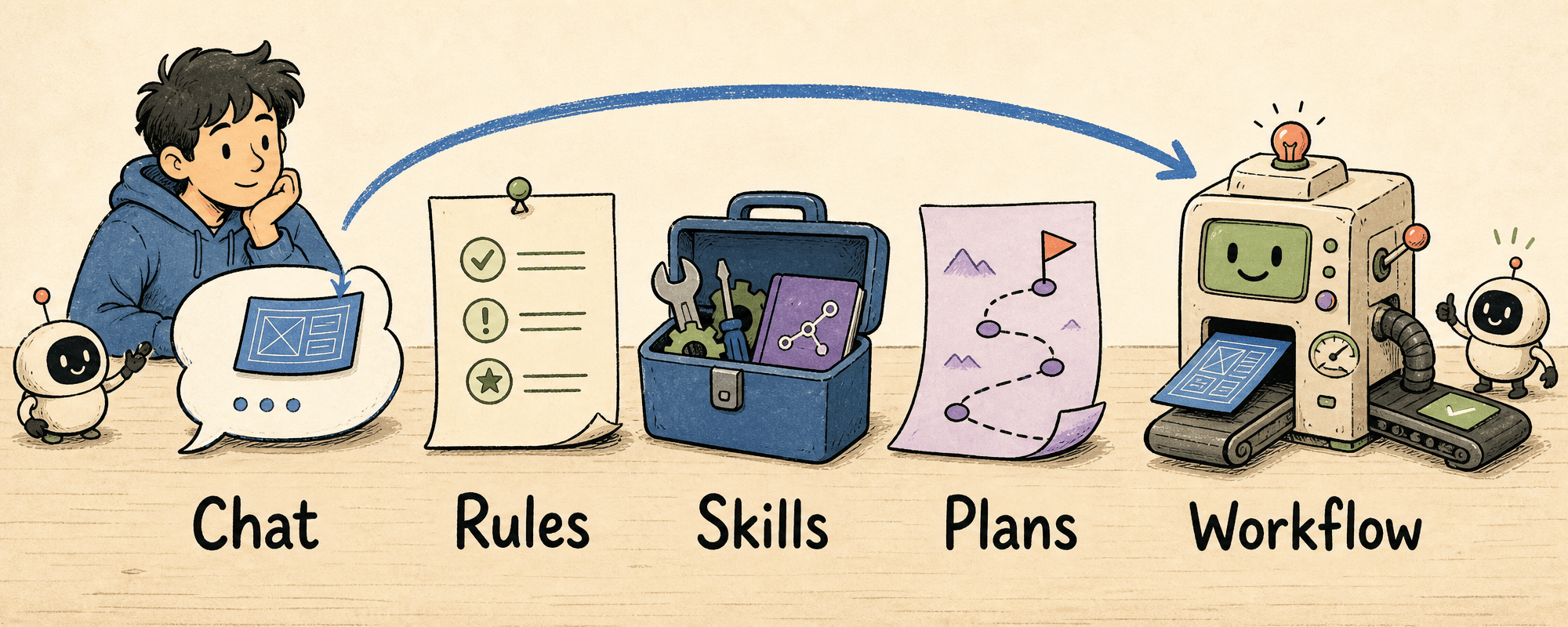
This table also connects my previous articles: AGENTS.md is a working contract, PLANS.md is a long-task roadmap, Dynamic Workflows push the plan one step further into executable orchestration.
2. Not every big task needs a workflow
I don't open a workflow just because a task is "big." I run through five questions first:
Workflow Trigger Gate

1. Are there many independent subtasks?
   200 files, 50 API endpoints, multiple research angles.

2. Does it need a review chain?
   Not just one agent finishing the job, but independent reviewers or verifiers.

3. Is there intermediate state to preserve?
   Migration status per file, evidence per finding, verification per hypothesis.

4. Can you accept higher token costs?
   The official docs also warn that workflows consume more tokens than regular sessions.

5. Can you define stop conditions upfront?
   Production data, migrations, external writes, schema changes,
   these can't run to completion on autopilot.

Fewer than three yeses and I won't open a workflow.
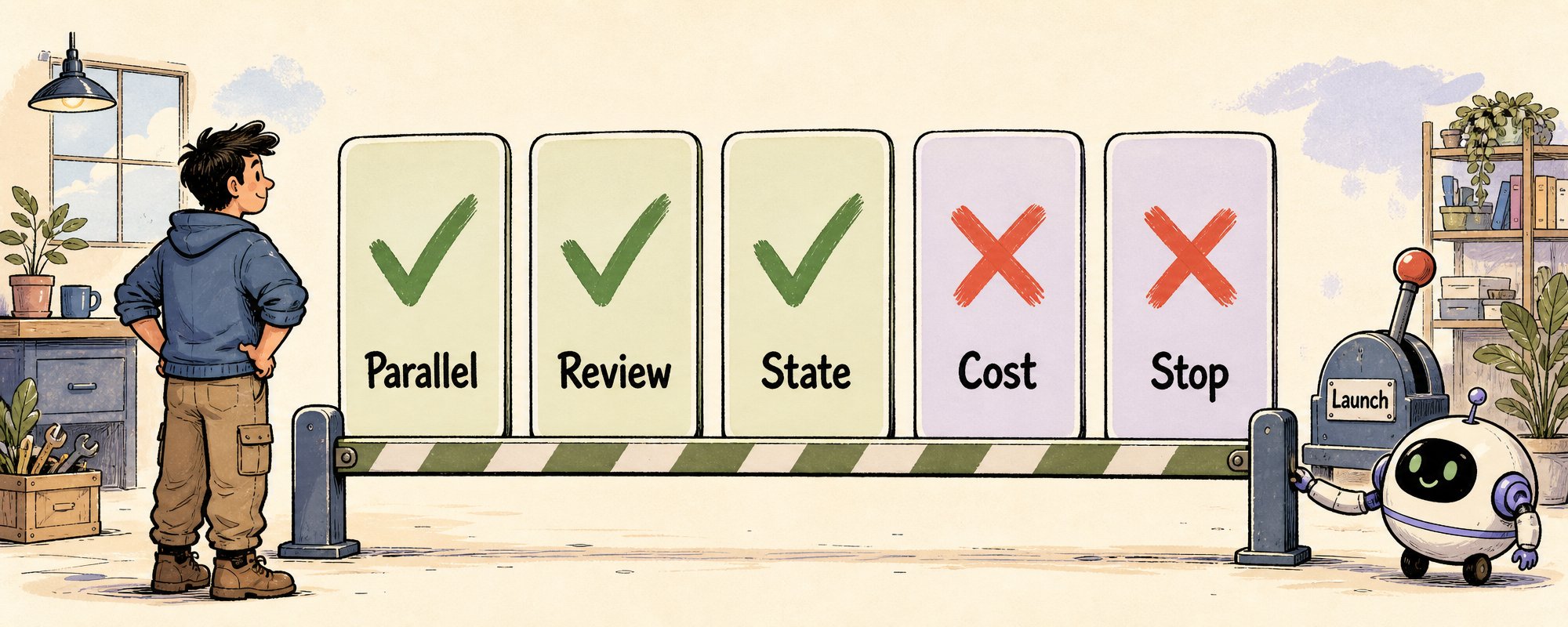
Workflows are heavy mode.
A button label doesn't need one. Unclear requirements don't need one. Strictly sequential tasks where every next step depends on human judgment don't fit either. "Big" alone doesn't qualify.
3. Good workflows are staged pipelines
The Bun case, broken down, is strong because of its pipeline shape.
In the official blog, the first workflow mapped Rust lifetimes for every struct field in the Zig codebase. The second workflow wrote each .rs file to match the behavior of the original .zig file, with two reviewers per file. Then came a fix loop that kept running build and test suite until both were clean. A final overnight workflow cleaned up unnecessary data copies and opened PRs.
Broken down, the shape is universal:
Workflow Shape Template

1. Map        Build the inventory: which files, structures, dependencies, risks
2. Generate   Each unit produces results independently, no cross-contamination
3. Review     At least two angles: behavioral consistency + style/security/tests
4. Verify     Run build, test, lint, typecheck. Log failure reasons
5. Fix Loop   Dispatch fixes by failure type, not one agent blindly retrying everything
6. Cleanup    Simplify, dedupe, perf fixes, PR splitting
That shape is more useful than the 750,000-line number.
4. Put approval gates outside the workflow
This is the most important constraint in the official docs, and the one most people will miss:
Dynamic Workflows accept no regular user input while running. Only permission prompts can pause them.
So wherever humans need to confirm something, that's a workflow boundary, not a step inside the workflow.
No Mid-run Input Rule

❌ Don't do this
workflow:
  research → propose schema migration → apply migration → fix prod

✅ Do this
workflow 1:
  research → propose migration plan → produce review packet
human:
  approve / reject / edit plan
workflow 2:
  implement approved migration → run tests → report diff
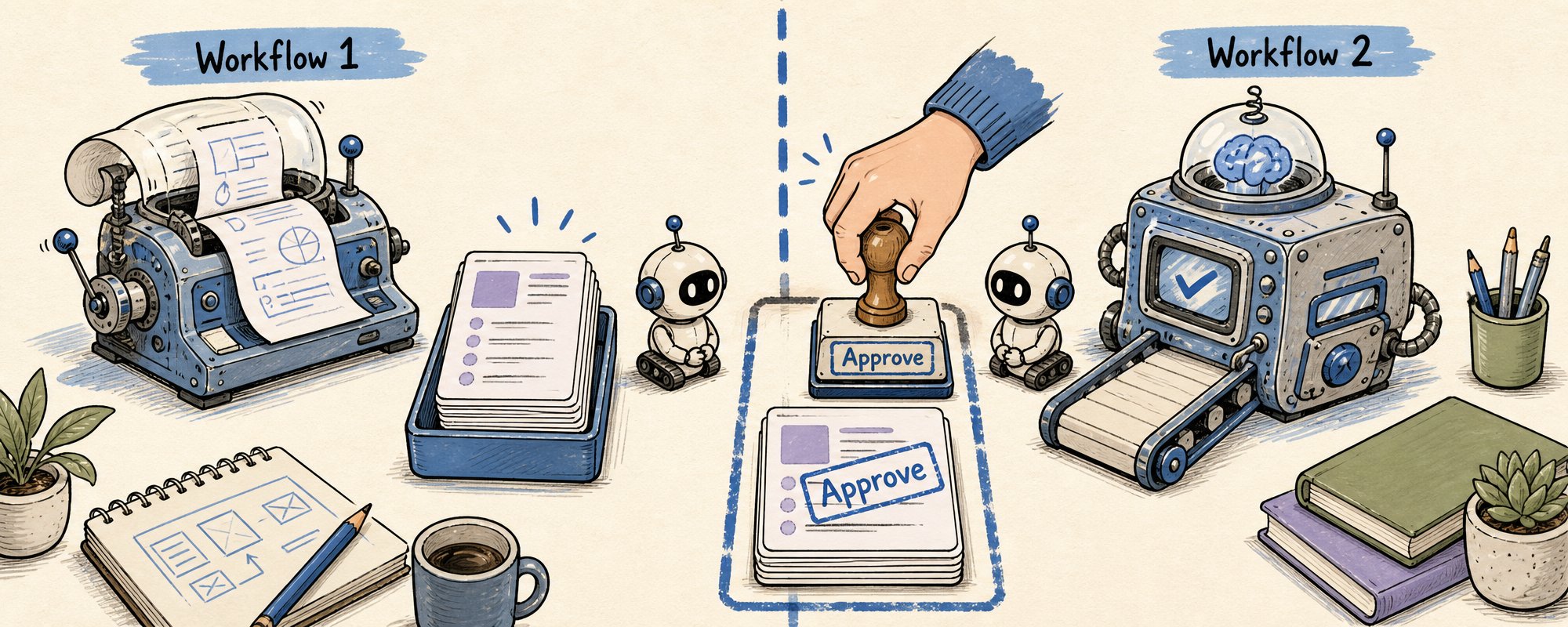
Where humans need to judge, split into two workflows with an approval gap between them.
This follows the same principle I wrote about in my AGENTS.md article: stop and ask before auth, billing, DB schema, production. The difference in a workflow is that "stop and ask" becomes "end this workflow, start a new one."
A related technical detail: the workflow script itself cannot read or write files or run commands. The agents it dispatches do that. The script orchestrates. The agents execute.
One more permission detail that's easy to miss: subagents inside a workflow run in acceptEdits mode, inheriting your tool allowlist. File edits are auto-approved. Once a workflow starts, most file changes won't ask for your confirmation. What you should actually review is the workflow boundary and the script itself.
5. The deliverable is an audit trail
When a workflow finishes, it shouldn't just say "done." I want it to hand back these:
Workflow Run Report

1. Goal       What this workflow was supposed to accomplish
2. Phases     What each phase did, how many agents it launched
3. Changed    Which files were modified, and why
4. Verified   Which builds / tests / lints ran, and their results
5. Failed     Which agent findings were discarded, and why
6. Risks      What's still uncertain, incomplete, or needs human review
7. Next       Merge, review, split PRs, or run another cleanup workflow
A workflow's final output is an audit trail.
One more judgment call: if this workflow will run again next month, save it as a command. Project-wide workflows go in .claude/workflows/. Personal ones go in ~/.claude/workflows/. If it was just scaffolding for this one migration, keeping the report is enough.
Don't think of it as a permanent durable workflow. The official docs only guarantee resume within the same Claude Code session. Exit Claude Code and the next run starts fresh.
A Workflow Brief you can copy right now
Next time I ask Claude to write a workflow, I'll hand it this:
Run a workflow for this task.

Goal:
<one sentence, verifiable outcome>

Scope:
- Include: <which directories / files / problem scope>
- Exclude: <which directories / files / high-risk areas>

Phases:
1. Discover   read only, map affected files, produce task list
2. Plan       propose change strategy, do not edit files yet
3. Implement  make changes only inside approved scope
4. Review     spawn independent reviewers for correctness, security, tests
5. Verify     run build, lint, typecheck, relevant tests
6. Report     return changed files, results, failures, risks

Stop conditions:
- database schema changes
- auth / billing changes
- production credentials
- external API writes
- diff over N lines
- tests cannot run

Cost control:
Use cheaper model for discovery and aggregation.
Use strongest model only for planning, implementation, and final review.

Final report format:
phases completed, files changed, tests run,
failures fixed, findings rejected, remaining risks, next action
This section is the save-worthy core of the whole article. Without it, the article is a good explainer. With it, you can use it directly next time.
Dynamic Workflows didn't give Claude Code a bigger megaphone.
What changed is where the plan lives. It used to live in chat, rolling forward on context. Then it moved into documents, becoming a roadmap humans could review. Now part of the plan lives in a workflow script, starting to become a runtime object you can execute, review, and save.
It's still a research preview, and it isn't for every task. But for large migrations, cross-file audits, multi-angle research, and plans that need agents to challenge each other, it gives a clearer shape.
Next time you see an agent workflow, don't count how many workers it launched.
Look at which layer the plan lives on.
For more real-time agent building notes, follow @Voxyz_ai.
Full notes at voxyz.ai/insights.
Hope this was useful. Vox ❤
References
- Anthropic official blog: Introducing Dynamic Workflows in Claude Code
- Claude Code Workflow docs: code.claude.com/docs/en/workflows
- Claude Code Agents docs: code.claude.com/docs/en/agents